

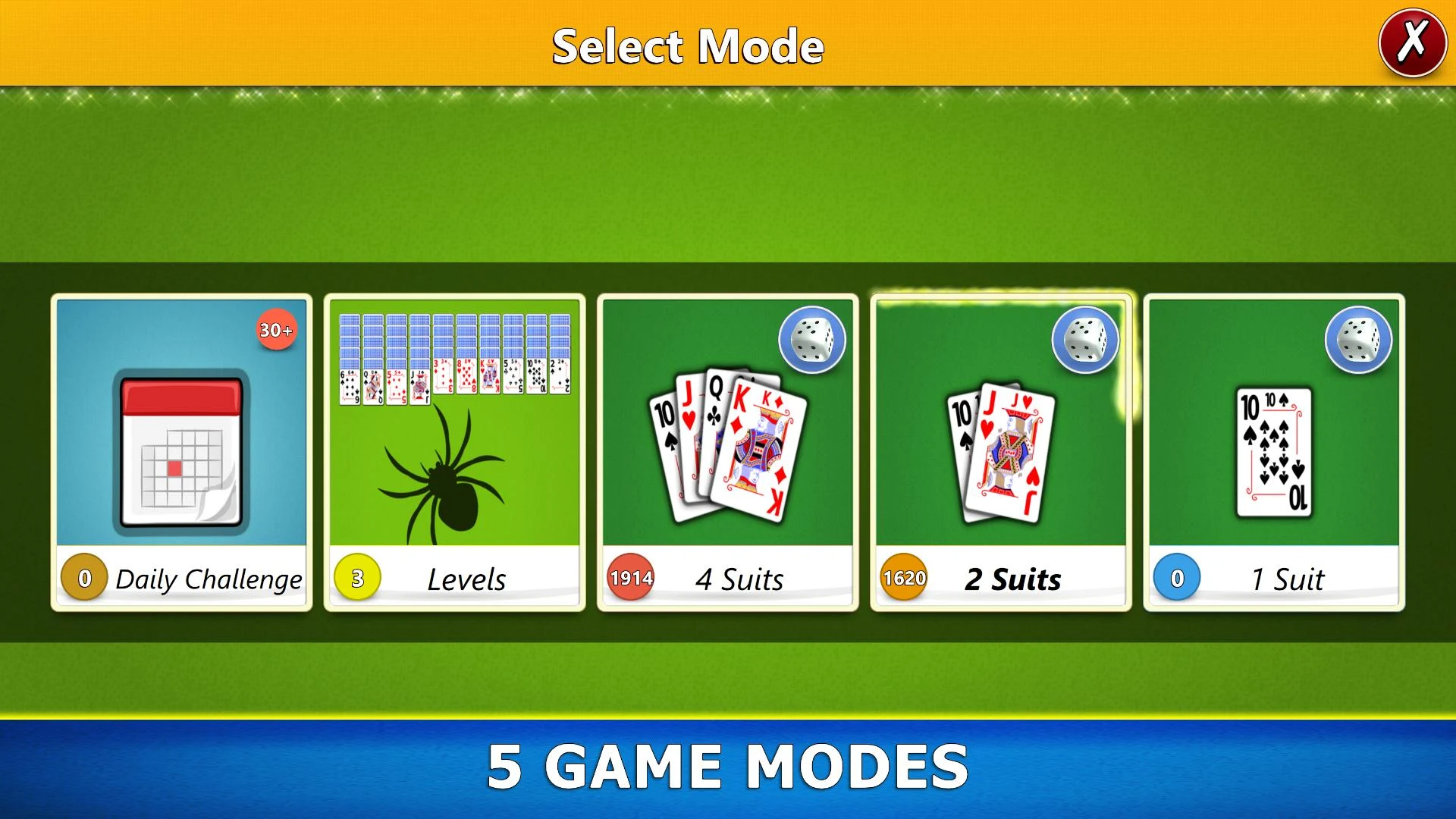
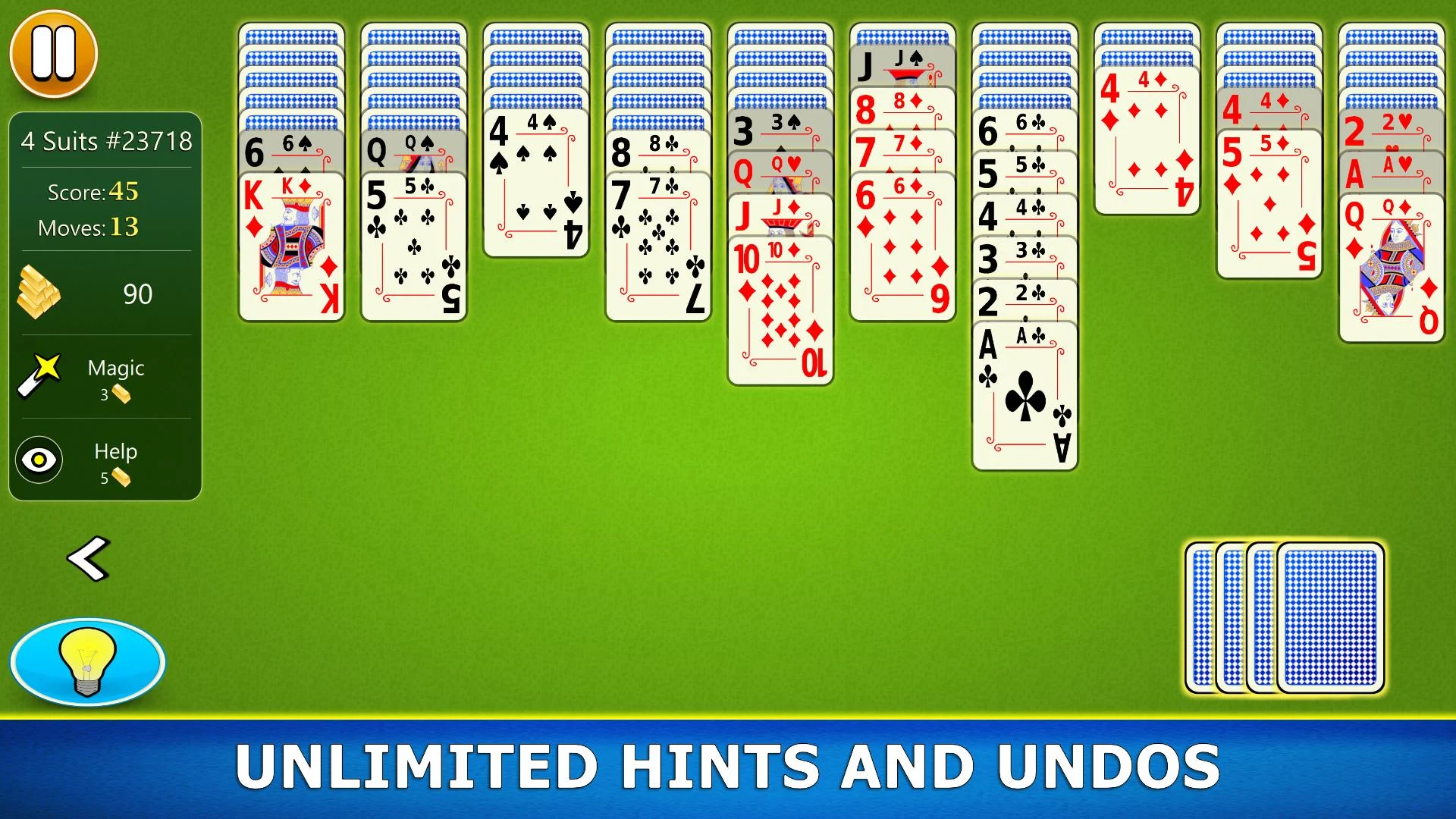
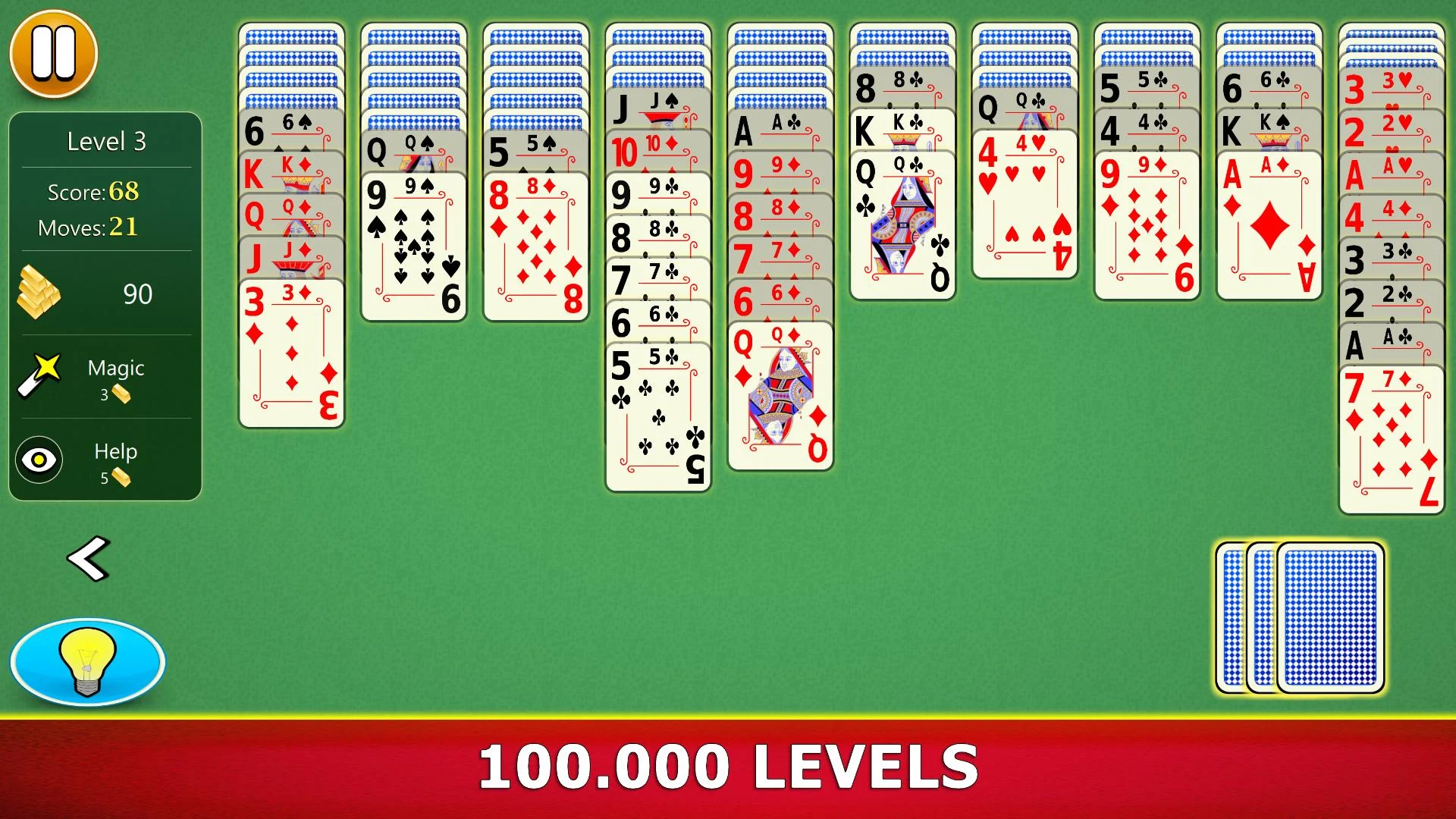
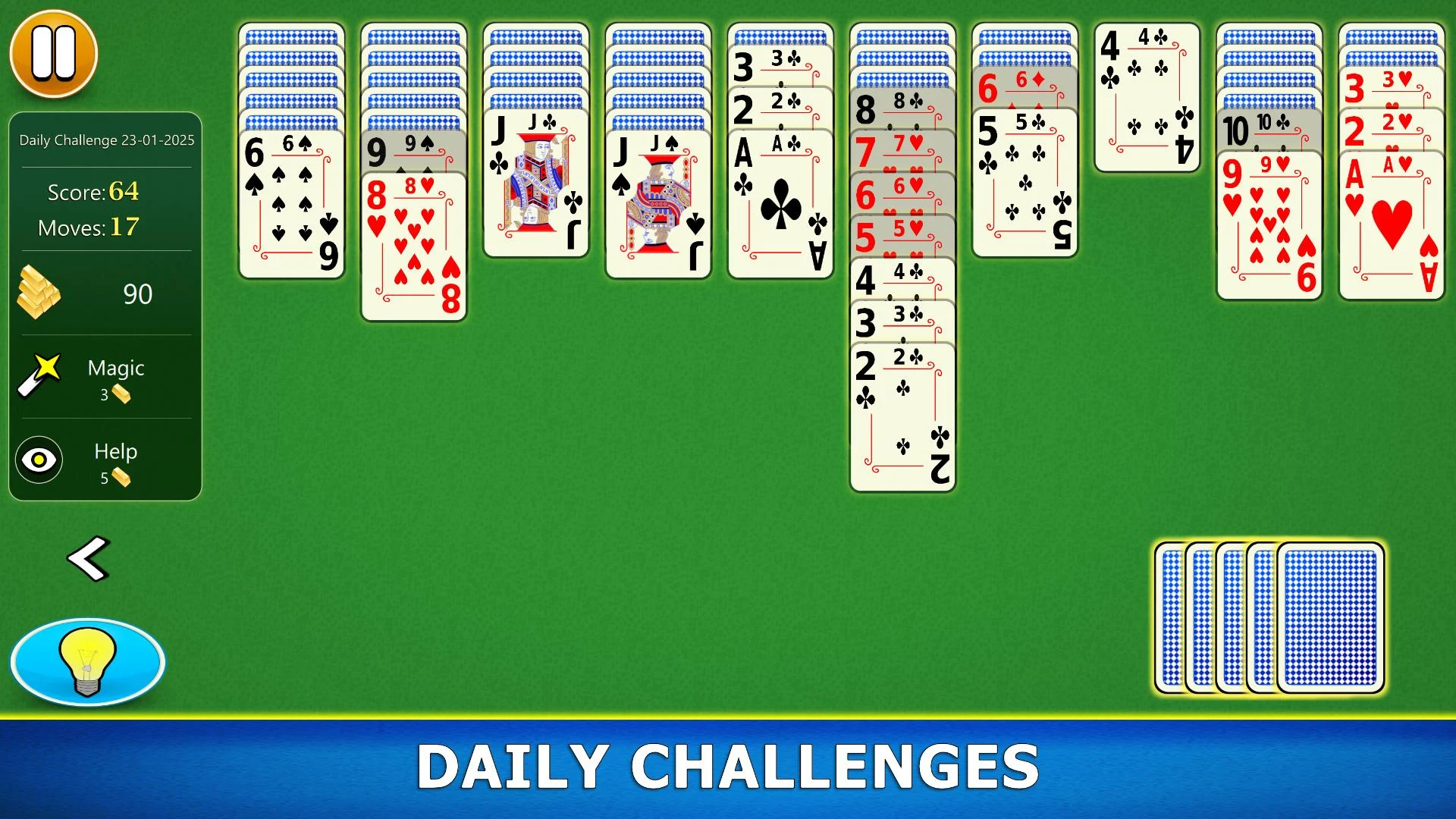
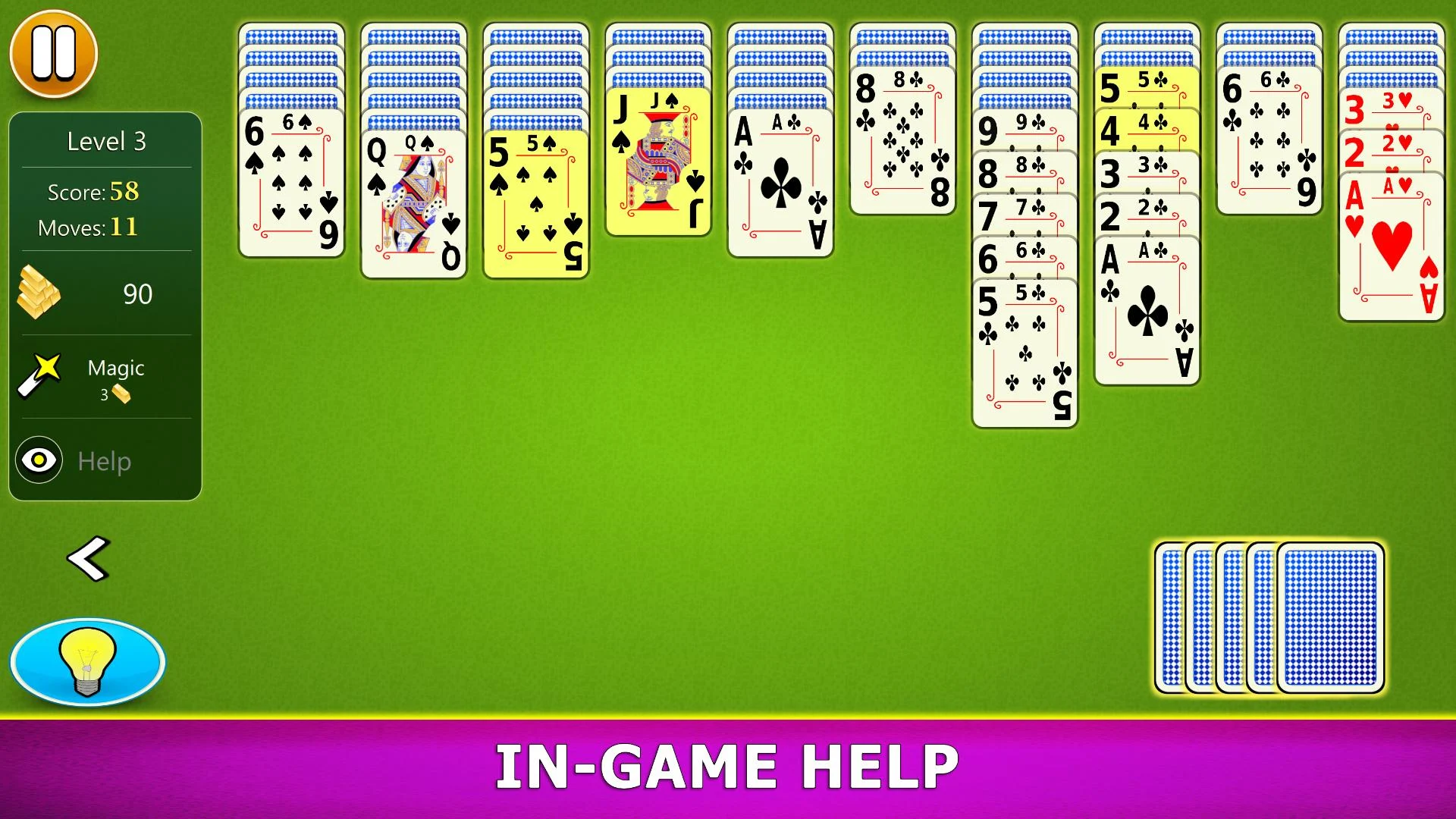
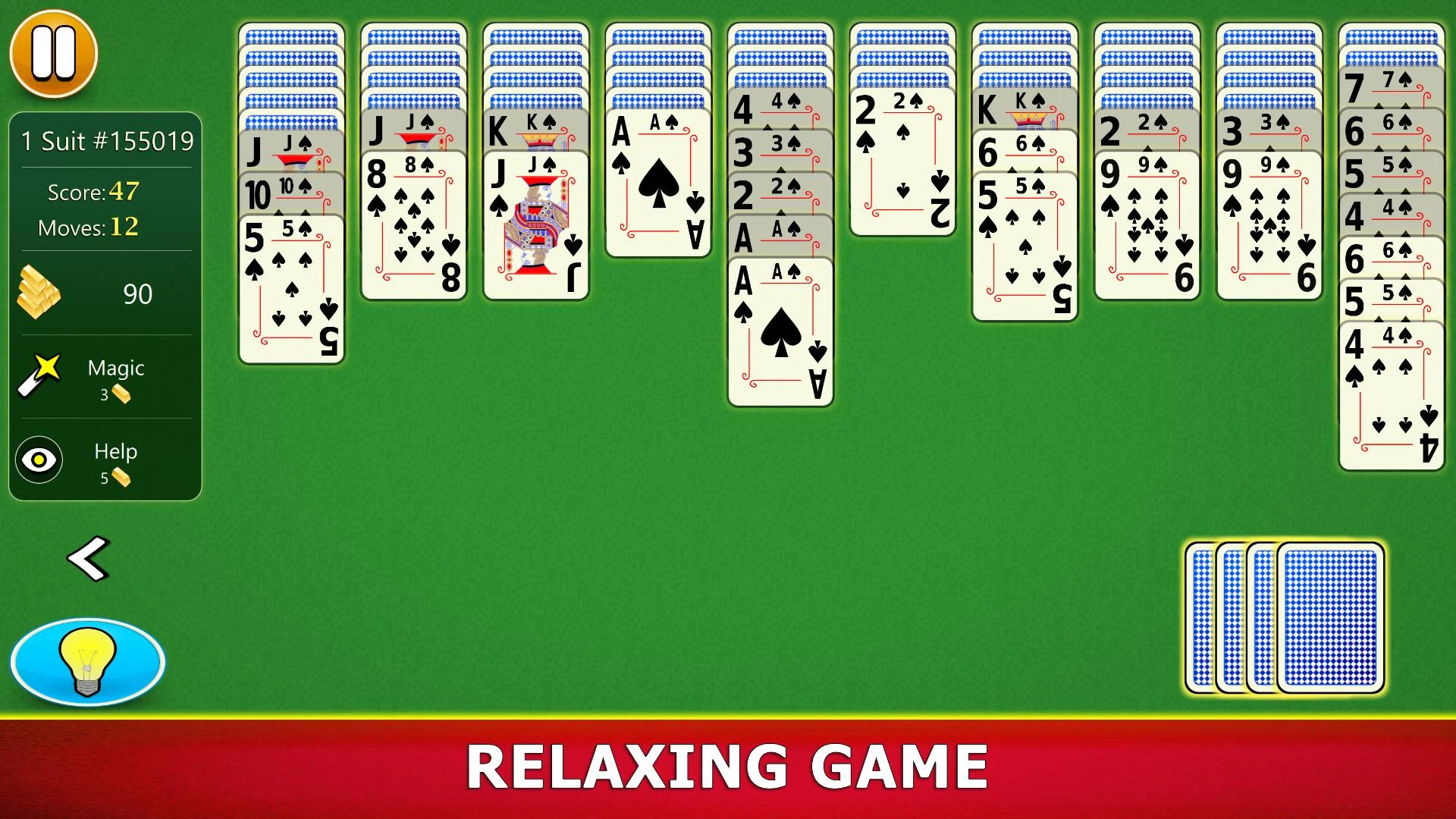
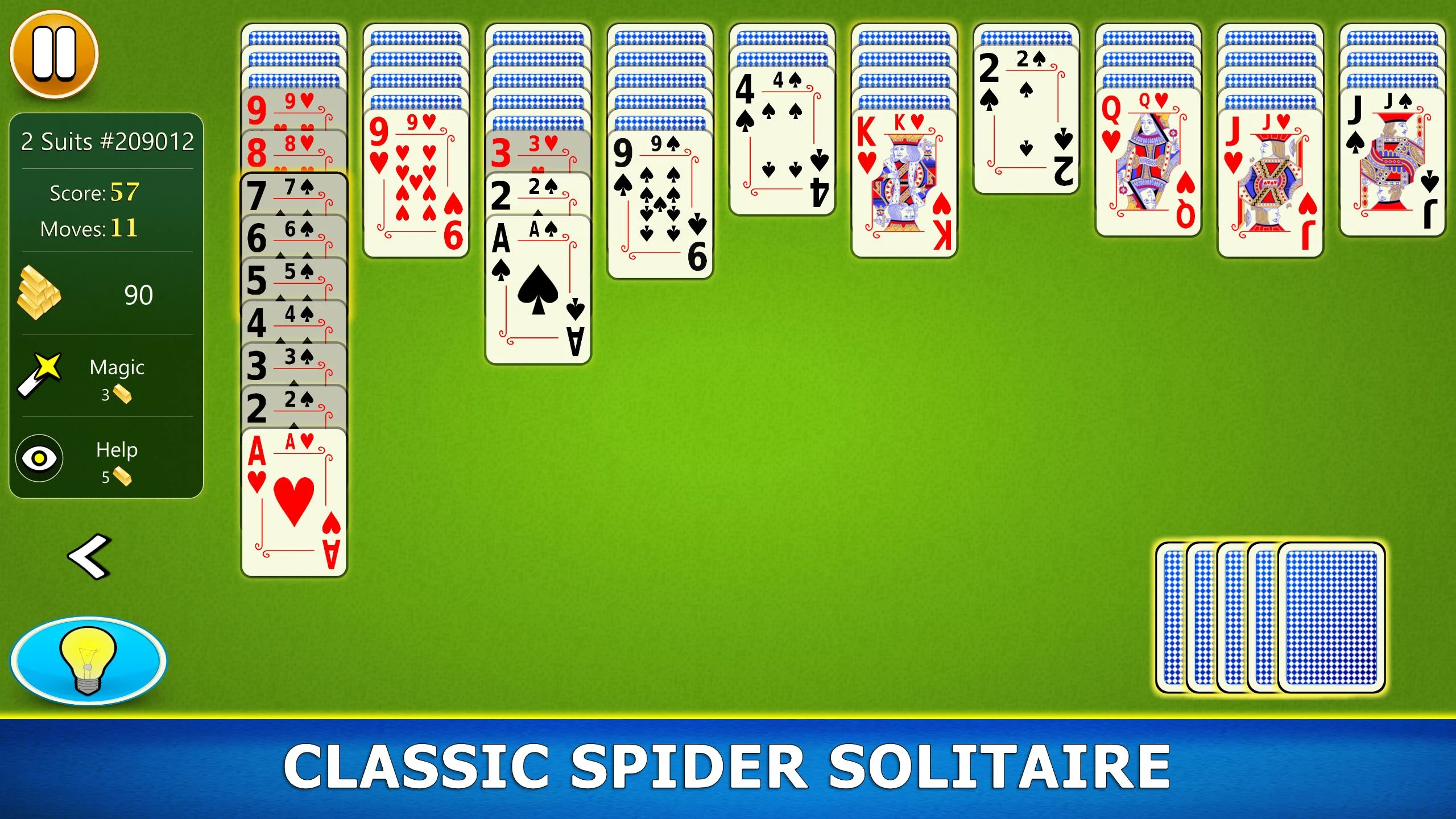
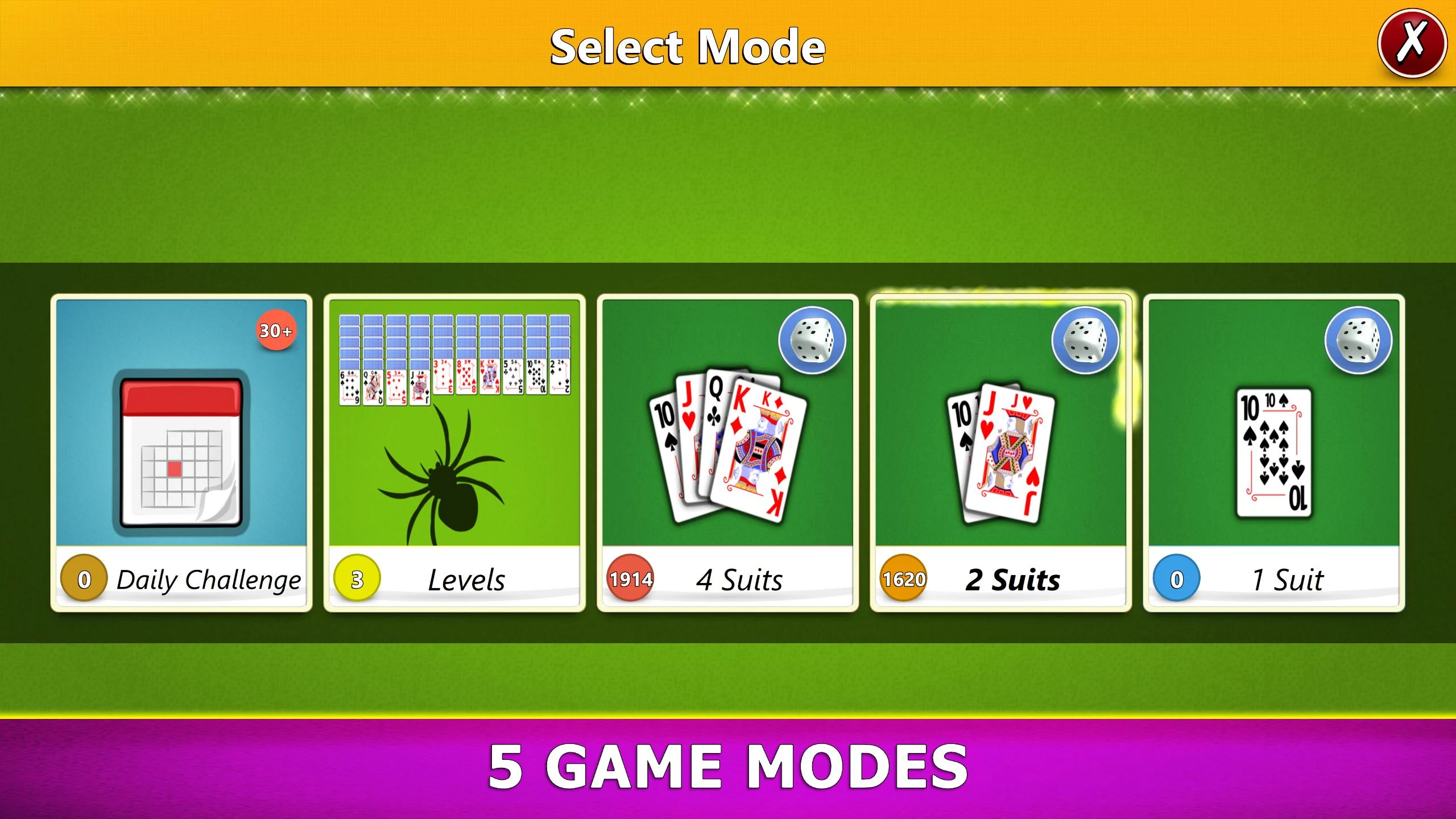
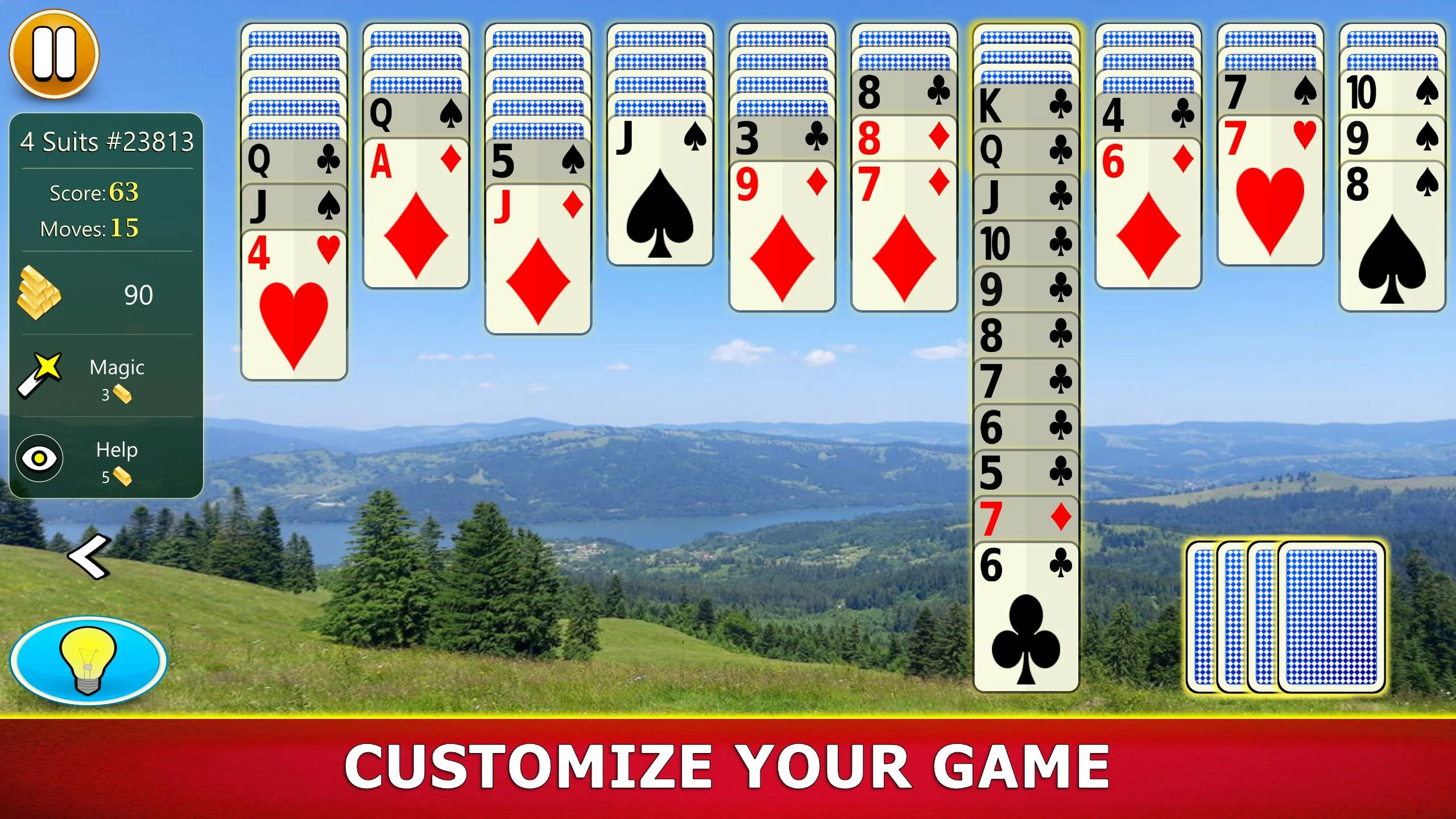
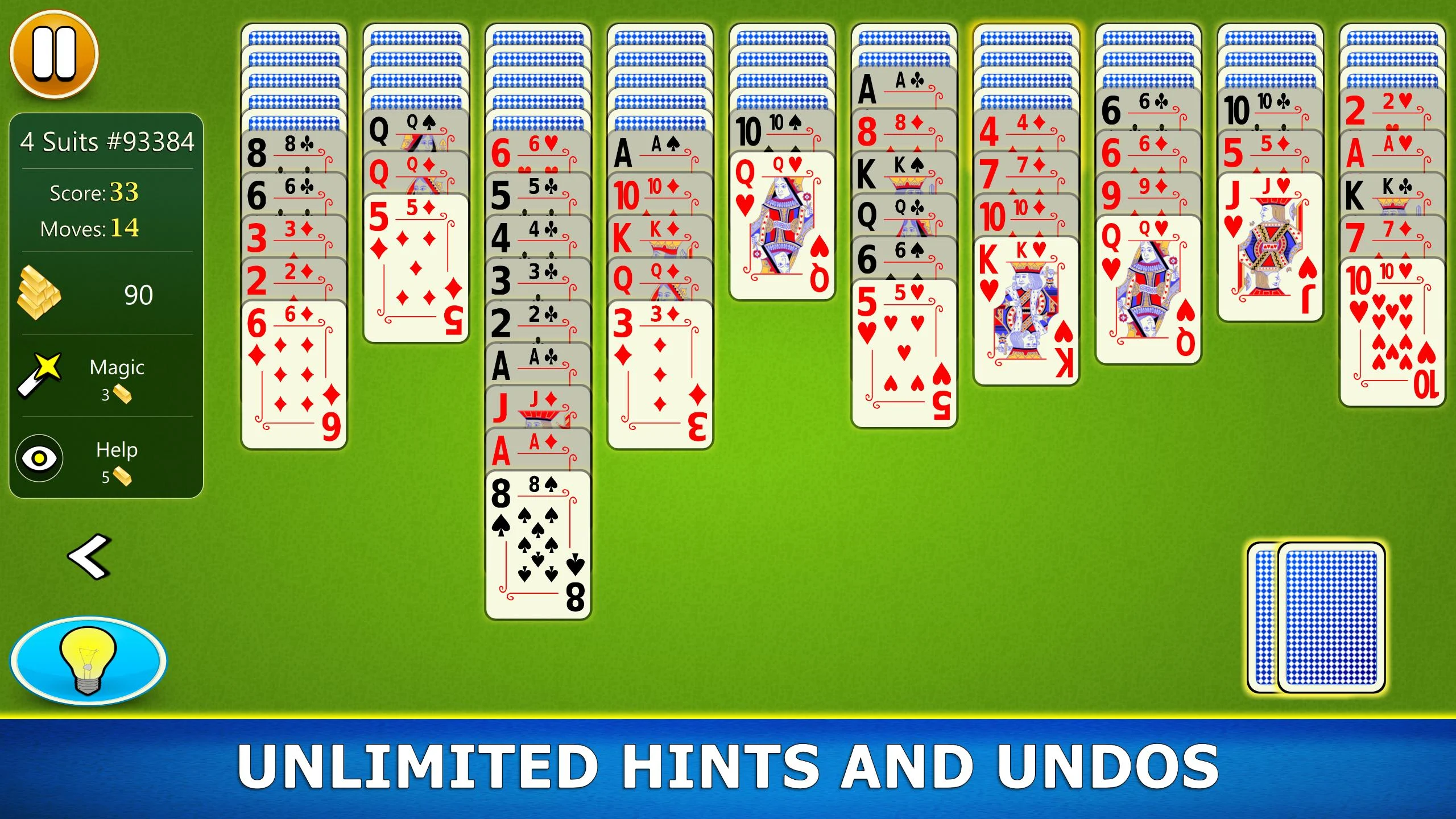
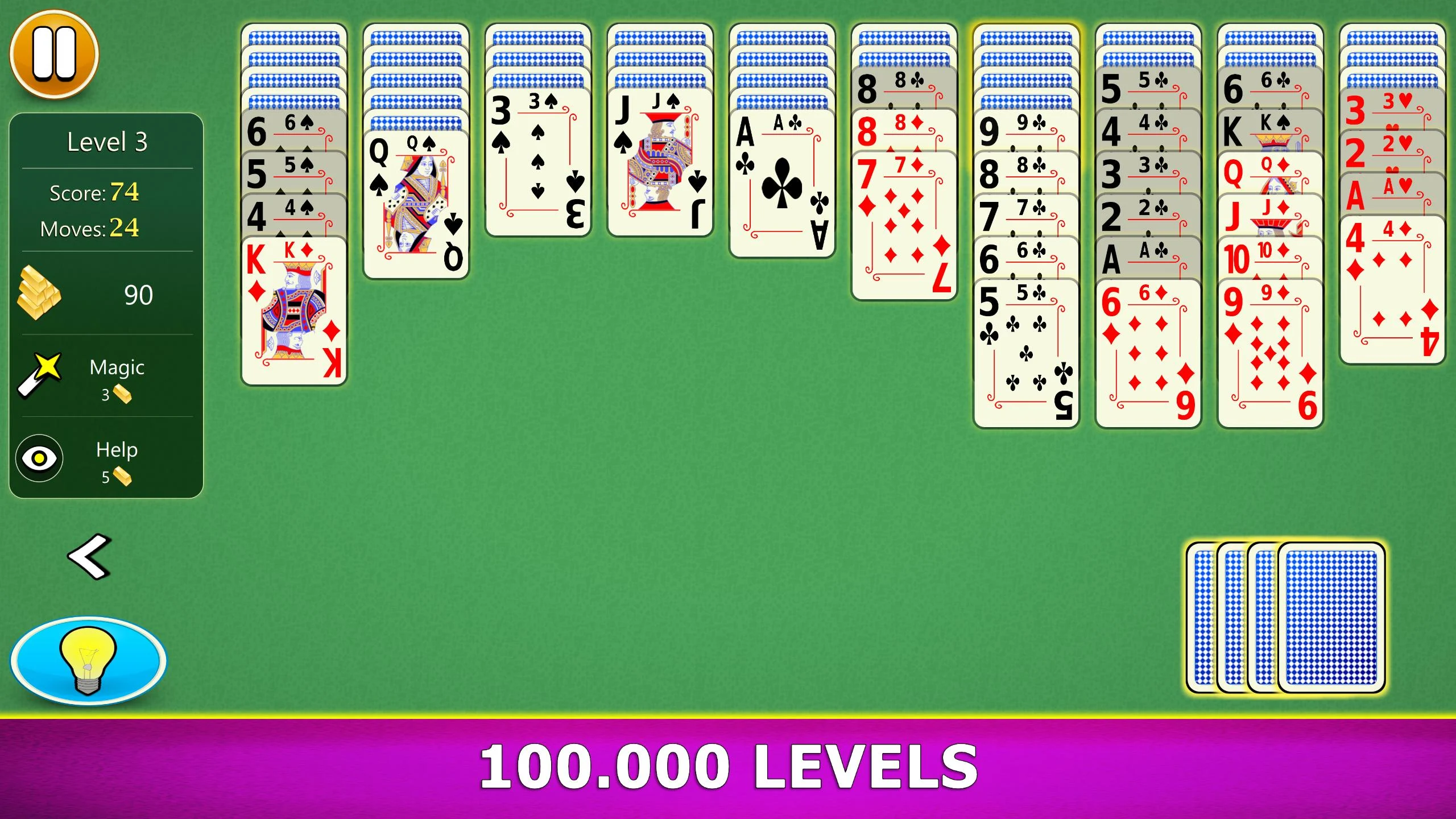
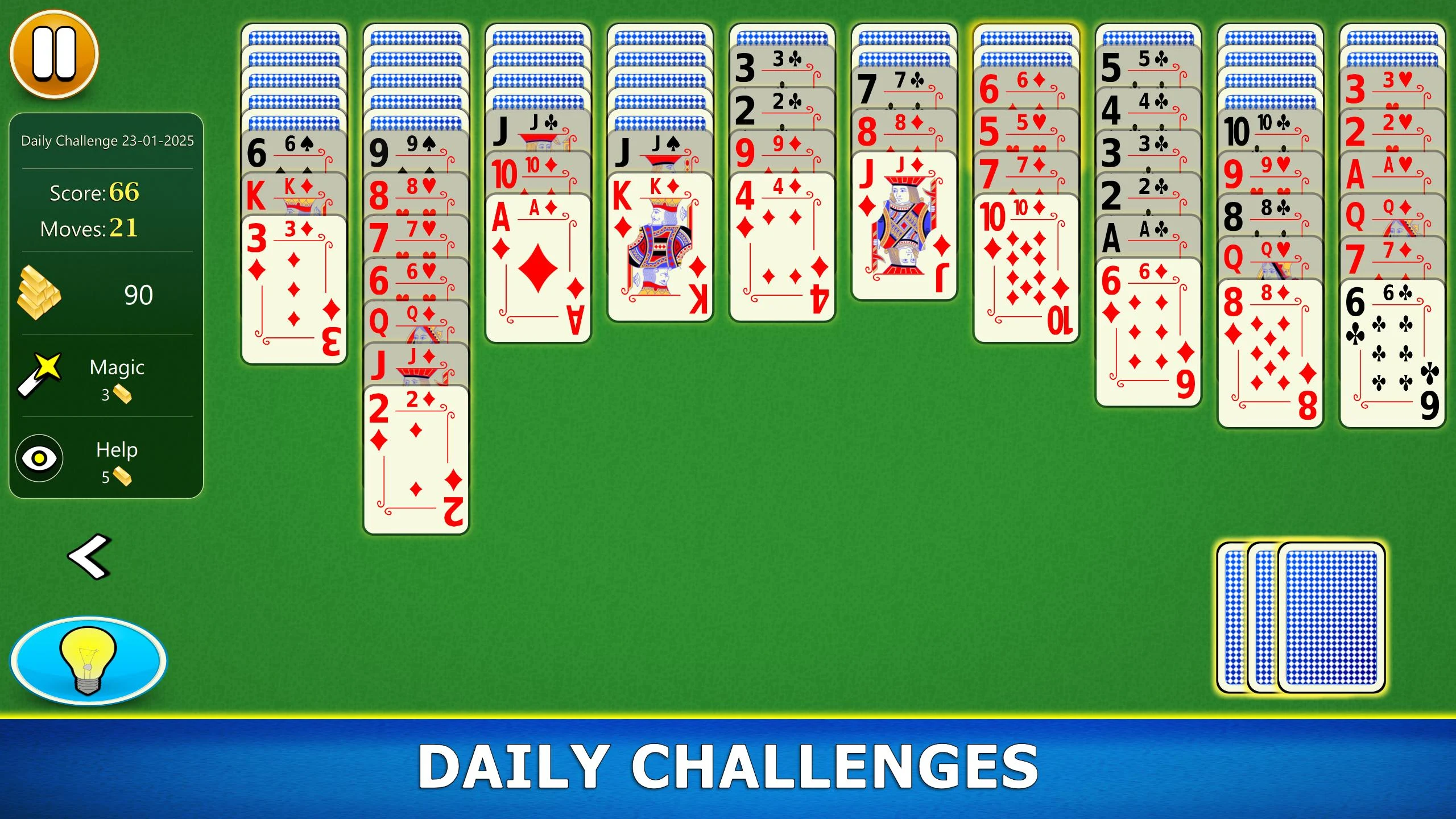
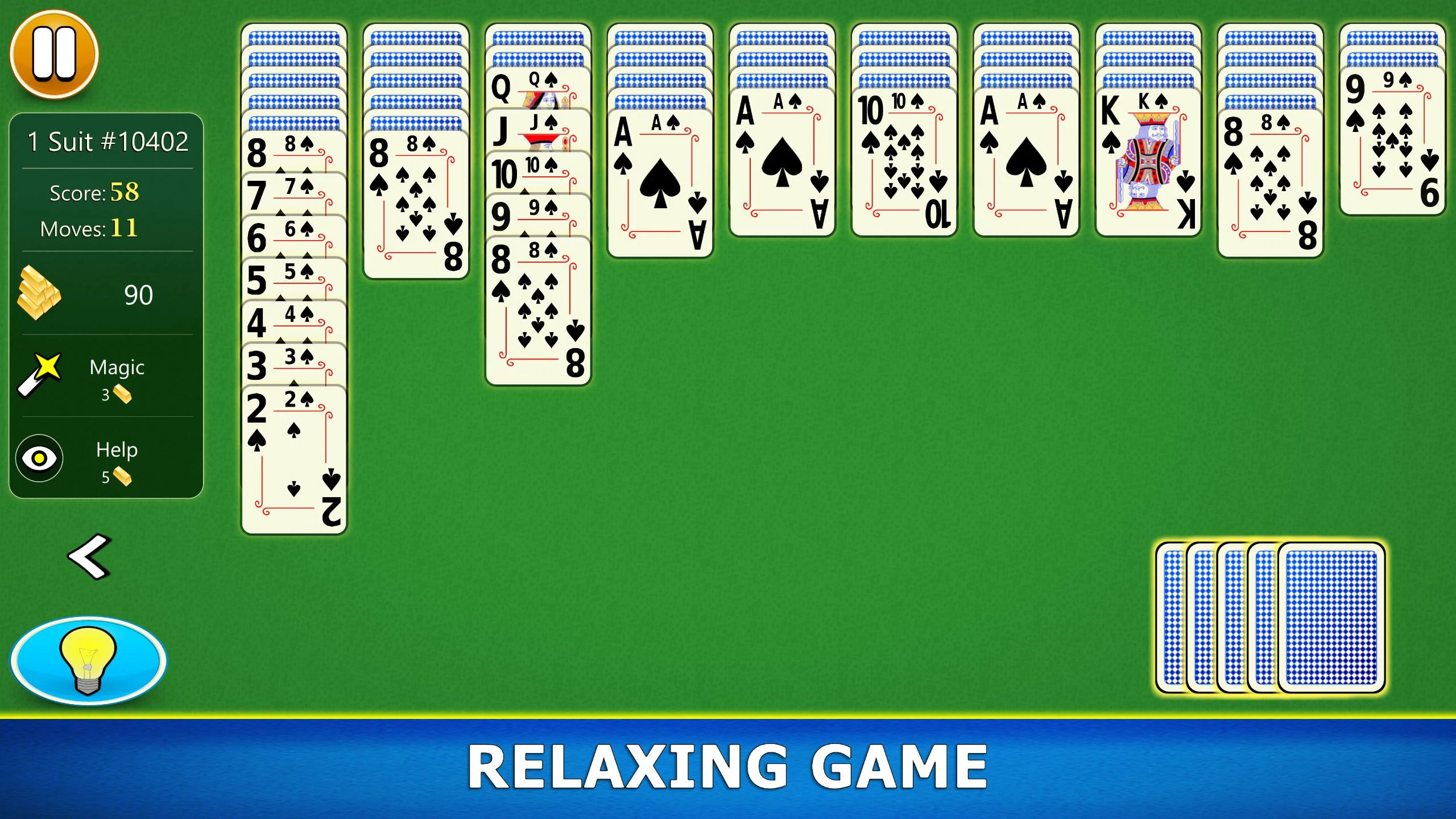
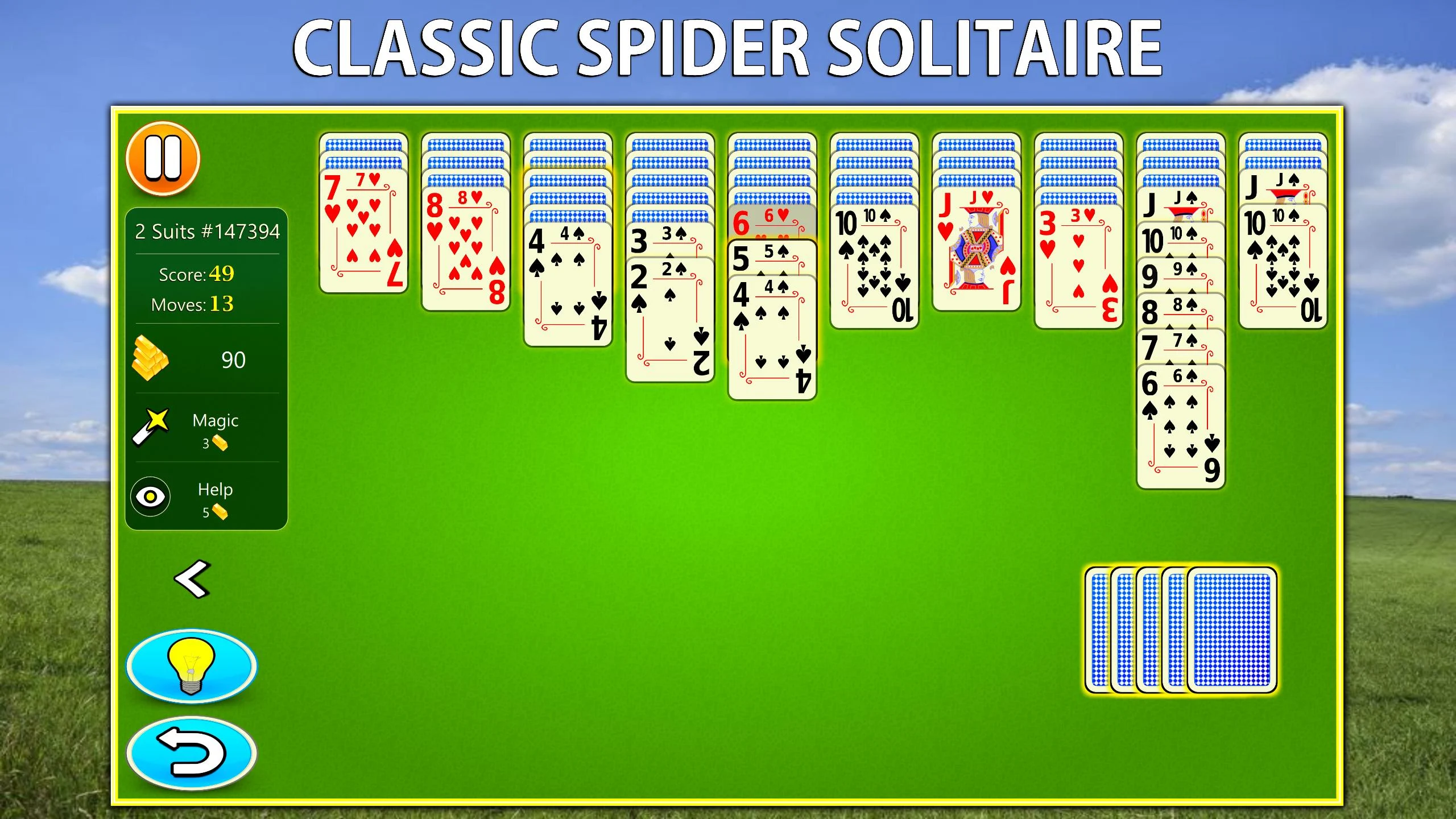
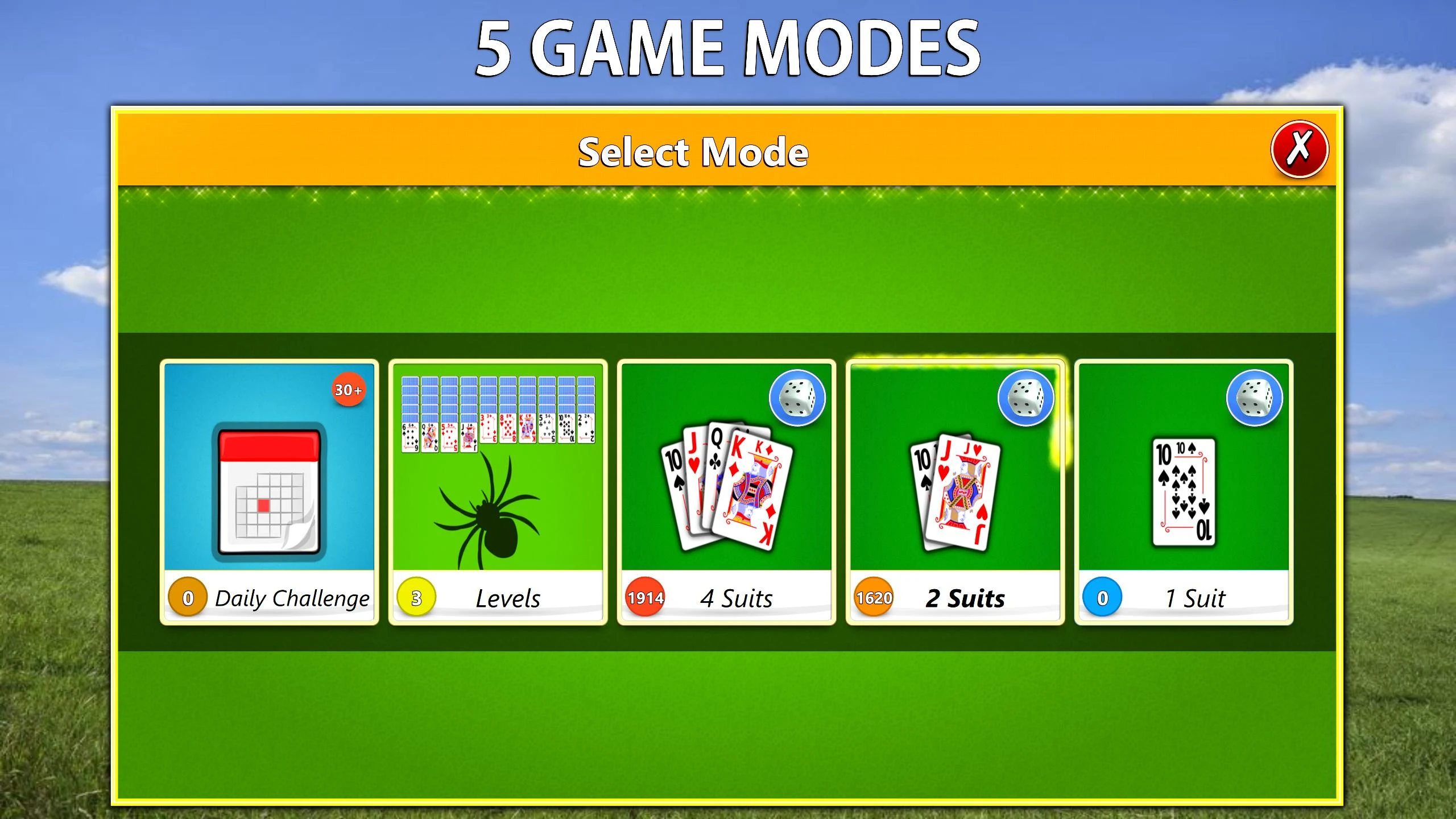

Spider Solitaire Mobile is the Android version of the classic card patience game that I keep installed for slow evenings and long train rides. Every deal is designed to have at least one winning route. You can tackle one, two, or four suits, with daily challenges and a level mode that never seems to stop.
How a Normal Game Session Actually Feels
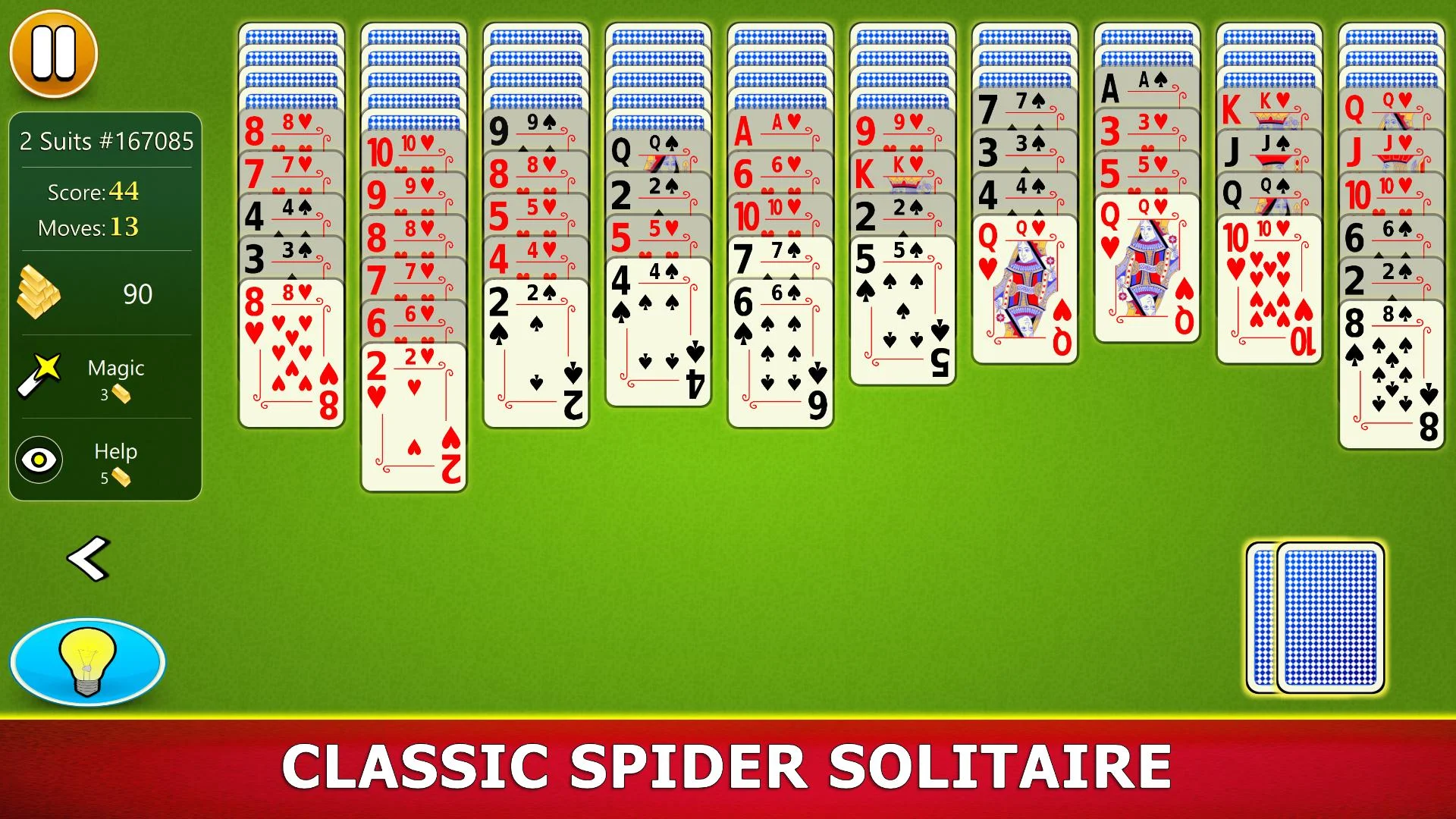
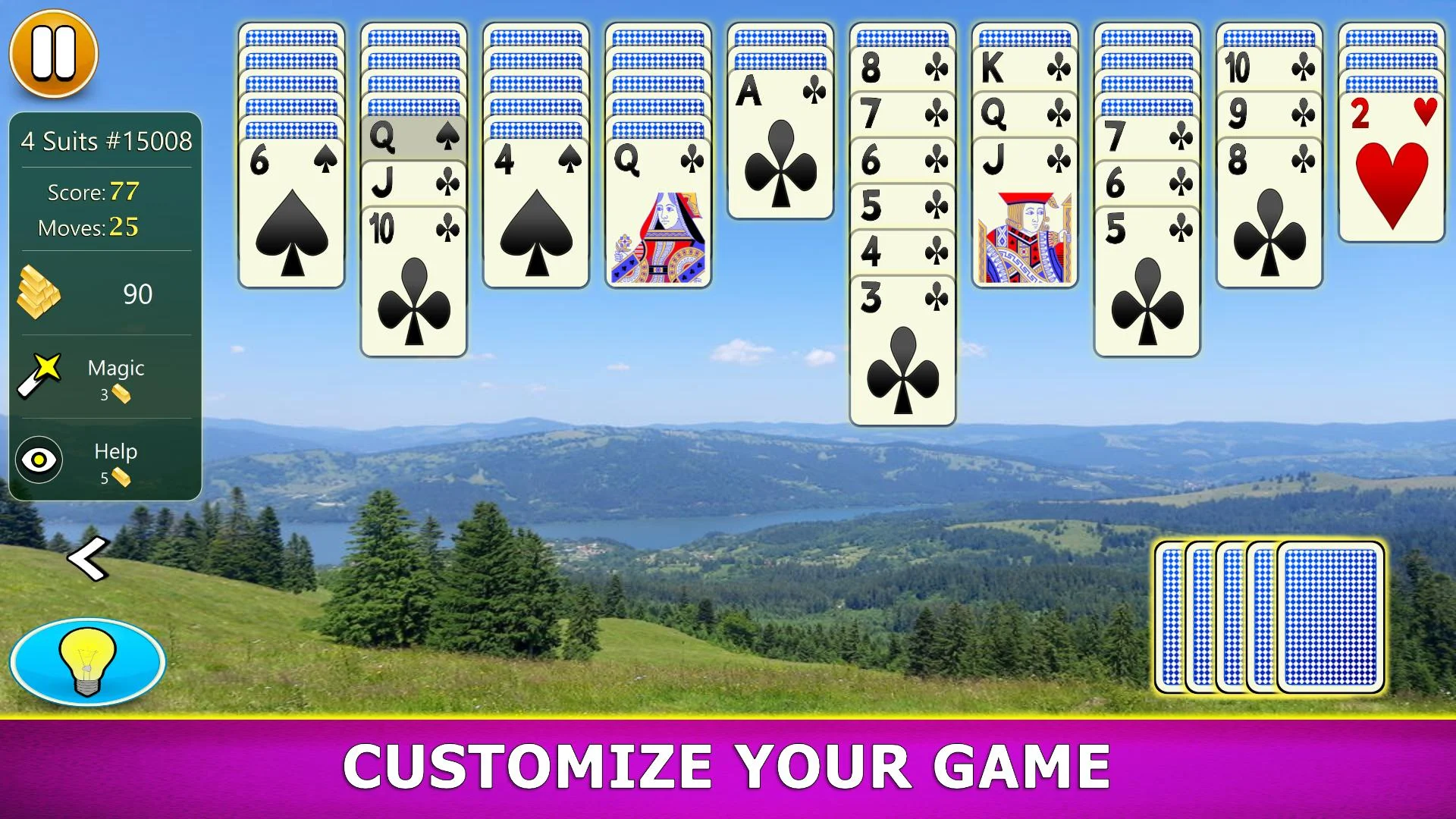
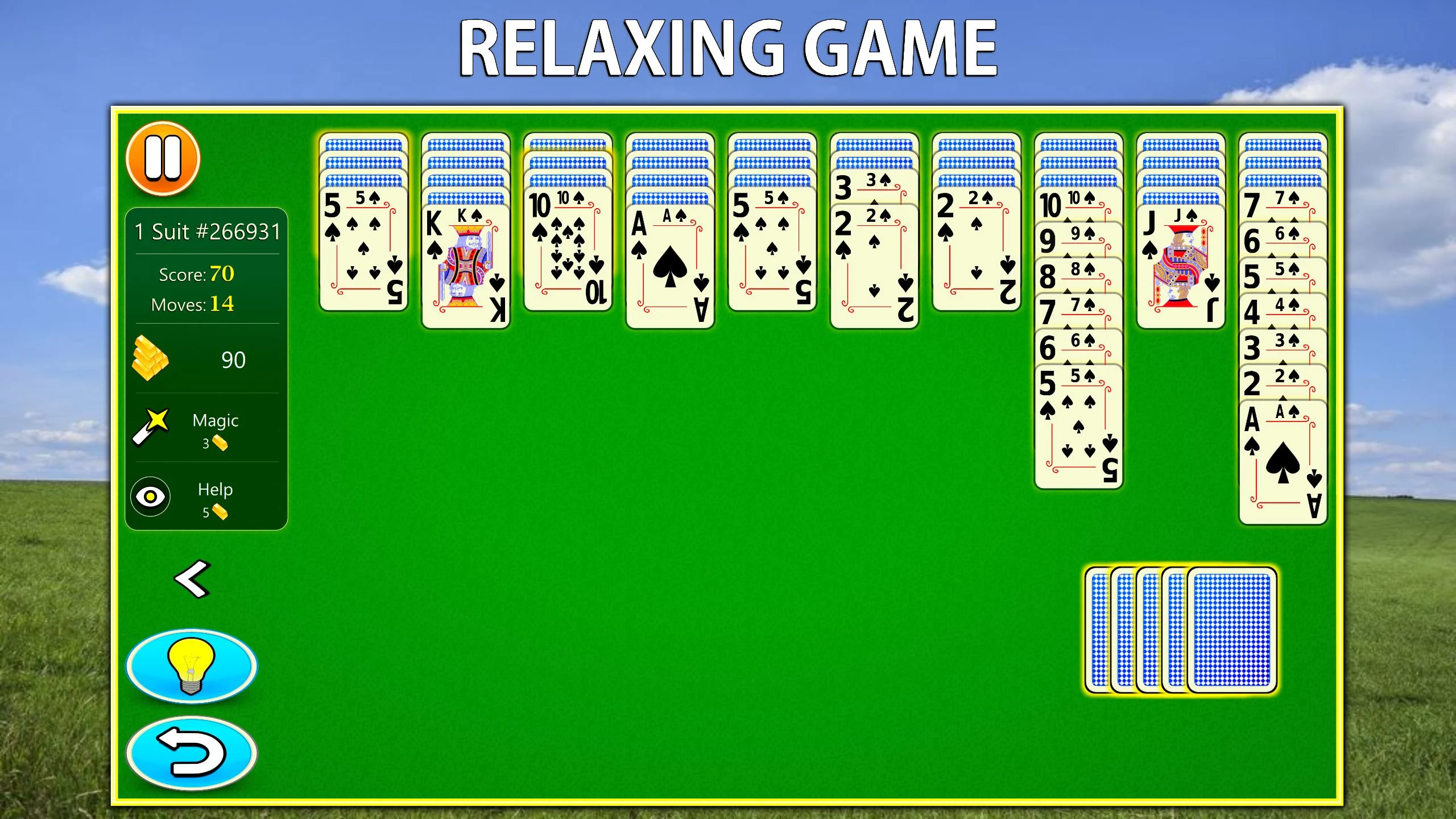
I normally warm up with one-suit games, then step up to two suits, where the app's winnable Spider Solitaire deals start to show their worth. Four-suit sessions demand planning around empty columns because you can still paint yourself into a corner even when the starting board is solvable. Drag-and-drop feels accurate enough for sloppy thumbs, while tapping to move is useful when you are holding a coffee cup in one hand. When I lose, it's almost always my own sequence of moves, not a shuffle designed to fail.
Hints and Undos Are Not Cheats Here
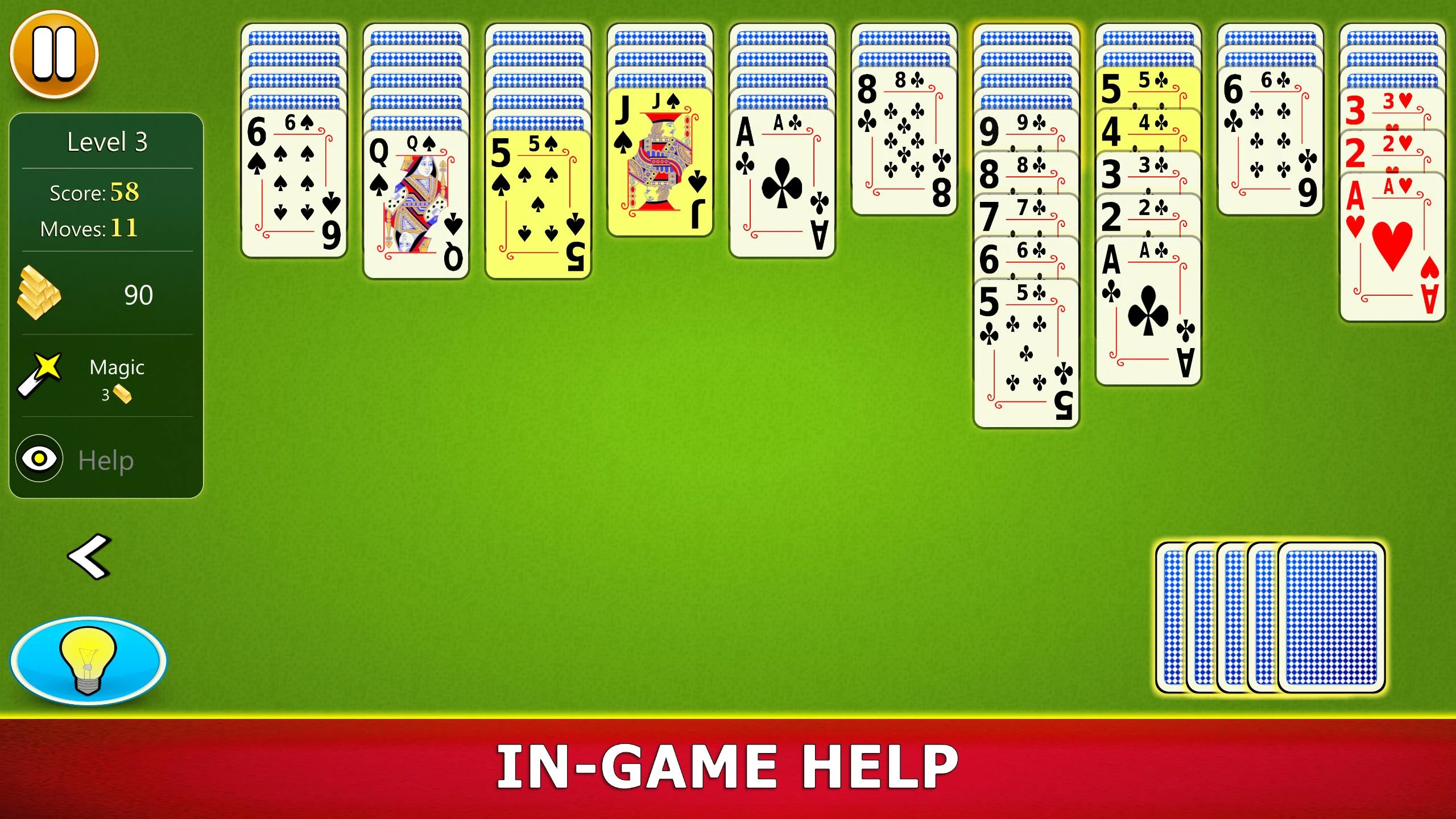
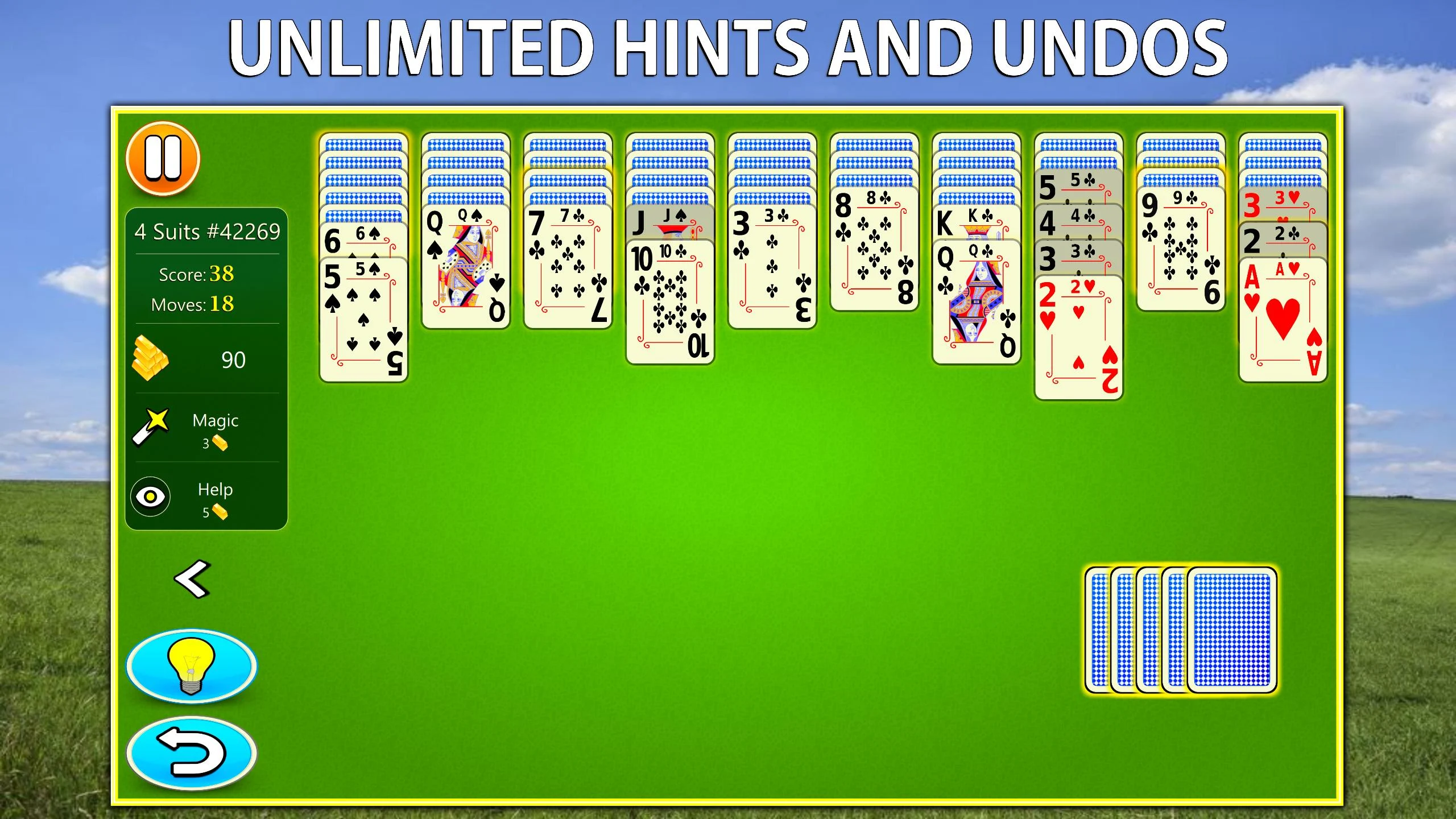
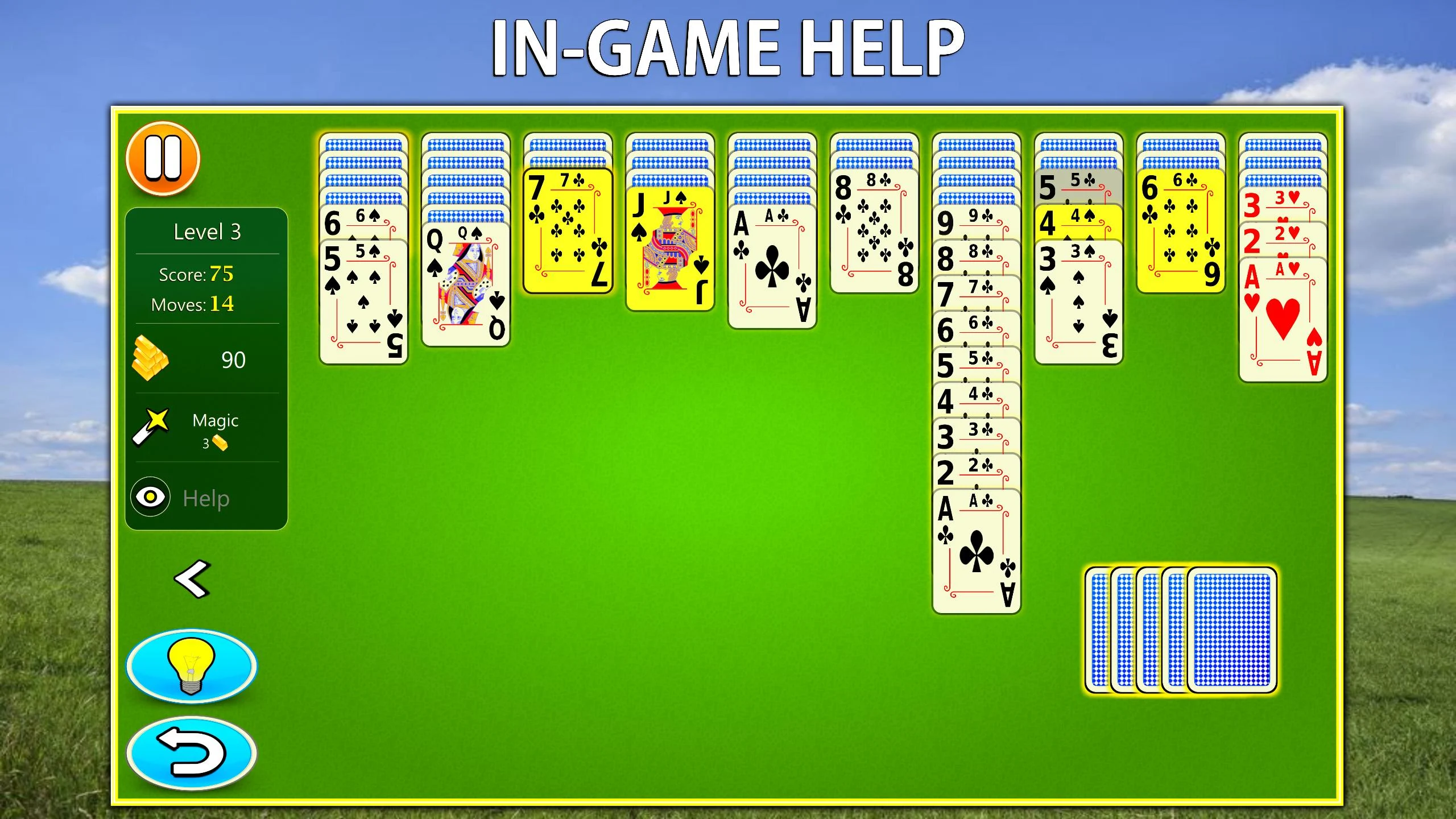
Unlimited hints and unlimited undos sound like cheat tools until you actually need them. The undo lets me test a risky sequence and step back if the column order goes wrong. The hint flag tends to point at the move I should have seen one turn earlier, which does not feel like hand-holding. The statistics screen tracks wins, losing streaks, moves, and average time per difficulty, which is honestly more useful than the achievement list. Vibration and sound can be turned off completely, and I recommend doing that for late-night sessions.
Spider Solitaire Mobile Level Mode Versus Daily Challenges
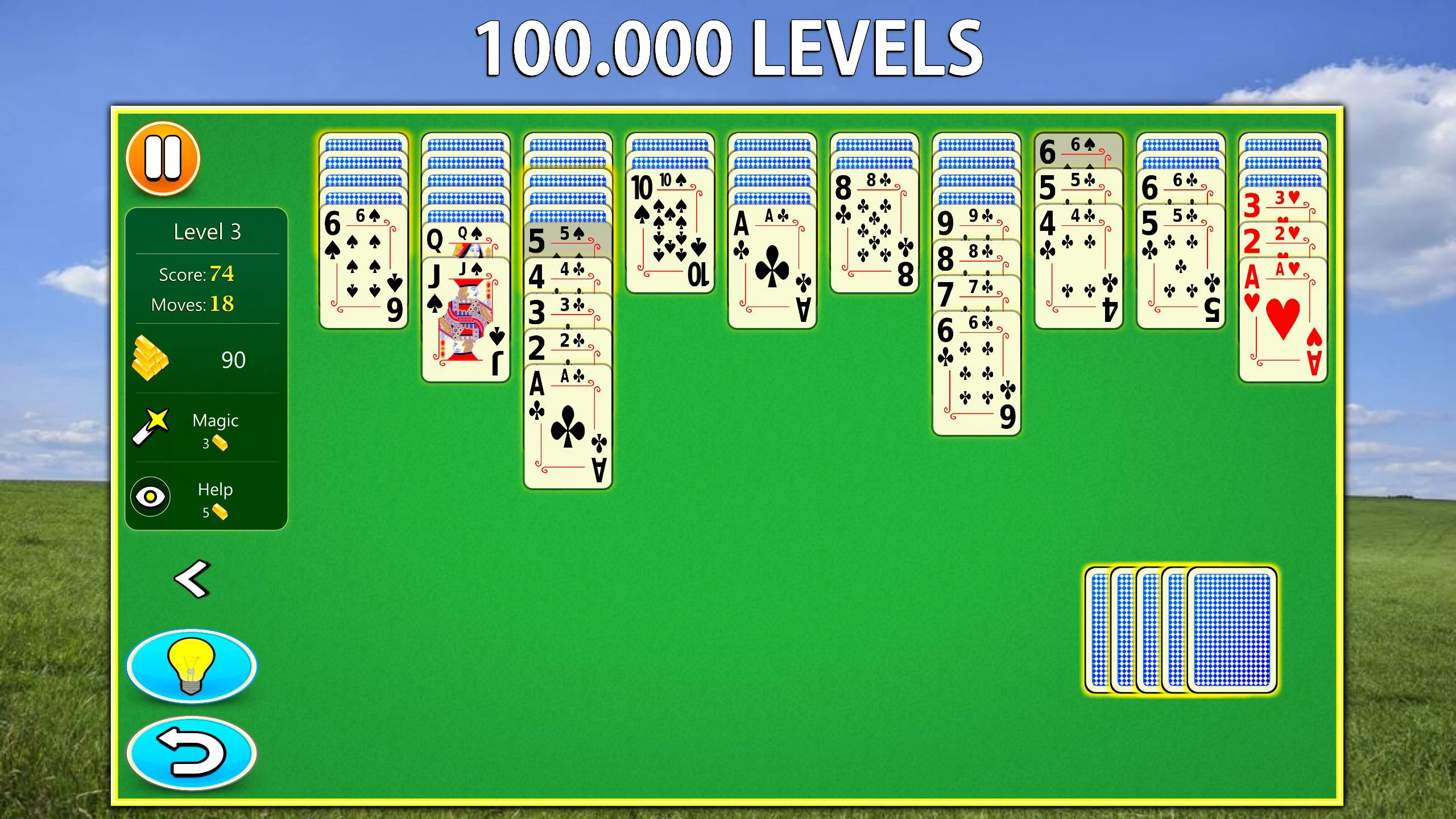
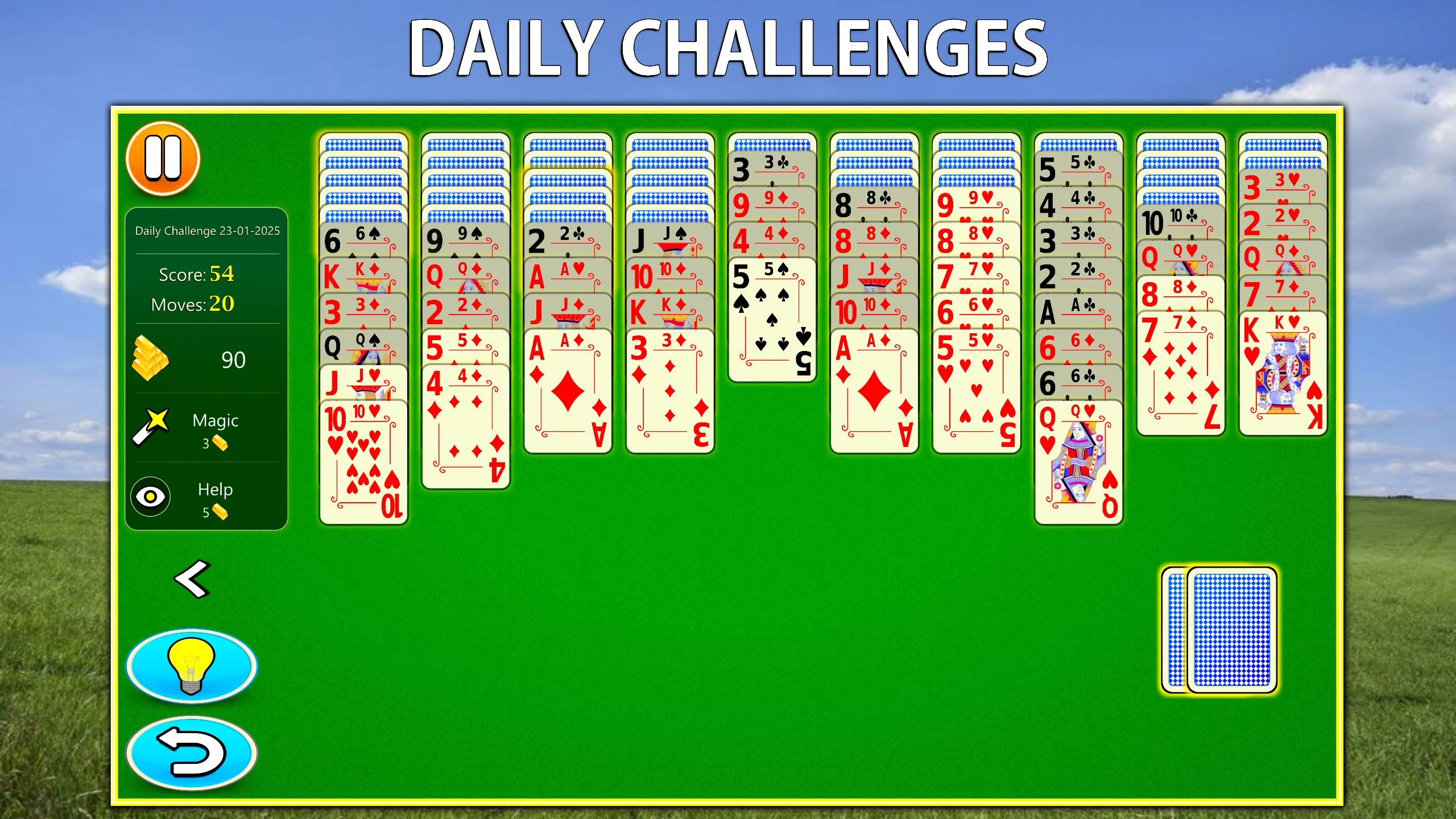
Daily challenges are the reason I open this app almost every morning, because the fresh deal changes the starting rhythm. Level mode is closer to a long patience test: the counter goes up to 100,000, and while I can't verify the final cap, the difficulty rises slowly enough that a bad streak is just a mental puzzle to untangle. Both modes rely on the same deal generation, so the board stays fair even at high numbers. Level mode gives measurable progress; daily challenges give variety.
Three Limits You Notice After a Few Weeks
Spider Solitaire Mobile is generous with hints, but it has a few practical edges I learned the hard way. Cloud save only syncs if you sign in, so offline play stays local until you connect an account later. On older Android devices, four-suit games can stutter when the board gets crowded, especially with sound effects on. The orientation switch takes a second or two on smaller screens, which matters if you like to rotate the phone between reading and playing. None of this ruins the experience, but it is good to know before you delete your old solitaire app.
Installation, Compatibility, and What to Verify Before Downloading
Getting Spider Solitaire Mobile onto a new phone is straightforward as long as you check three things first: Android version, free storage, and the build signature of the APK. Old devices can run one-suit and two-suit games without trouble, and disabling vibration improves the feel on weak vibration motors. Make sure you grab the latest version; an older build might skip the daily challenge refresh and miss the newer layouts. This Android solitaire app is compact, and it does not require background internet once installed, which is exactly what an offline card game should be.
Information
-
Category:Card
-
Latest Version:v3.2.9
-
Updated:9 Nov 2026
-
File size:21.95MB
-
Requirements:android
-
Developer:G Soft Team
-
ID:com.gsoftteam.spidersolitairemobile


